
GPT Image 2.5 Image Generator and Editor
Create sharper images with more natural lighting and richer textures. Preserve recognizable subjects from reference photos, make focused edits without changing the rest, and refine ideas faster across multiple turns.
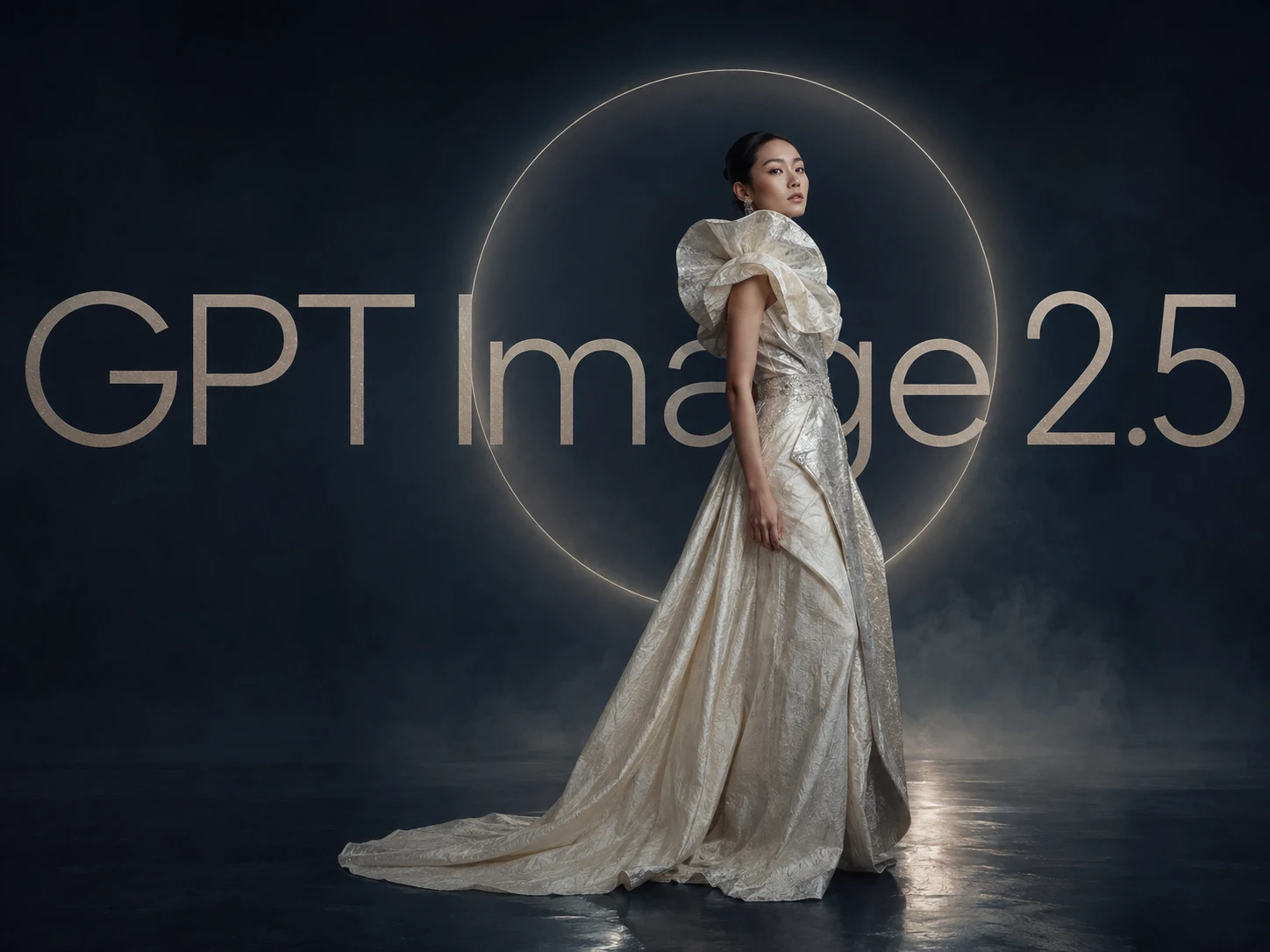
How to Use GPT Image 2.5
Turn a detailed brief or reference image into a polished result in three focused steps.
Describe Your Image or Add a Reference
Describe the subject, setting, composition, style, and important details. Add a reference image when a person's identity, a product's appearance, or the overall visual direction needs to stay recognizable.
Generate the Complete Image
Generate the image, then review subject fidelity, lighting, textures, layout, and any real-world details. You can describe complex scenes, layered compositions, and transparent-background layouts directly.
Make Focused Edits and Download
Request one targeted change at a time, such as replacing a product, background, or piece of copy. Check that earlier edits and untouched areas remain consistent, then download the finished image.
Why Create with GPT Image 2.5
Build dependable creative workflows around reference fidelity, precise editing, and consistent multi-turn refinement.
Preserve Subjects from Reference Images
Place people, products, or other subjects into new settings, styles, and compositions while keeping them recognizable. Distinctive features are retained more reliably, with more natural lighting and richer textures carried into the result.
Change Only What You Ask to Edit
Make focused changes to a product, background, or piece of copy while preserving the surrounding subject, composition, and brand treatment. Even complex edits are less likely to alter unrelated parts of the image.
Refine Faster Without Losing Consistency
Continue refining an image across multiple turns while earlier changes stay more consistent and quality holds up over time. Compared with Images 2.0, generation latency can be up to 50% lower.
Who Uses Image AI?
E-Commerce Sellers
Turn simple ideas into product shots, lifestyle scenes, packaging concepts, catalog images, and trend-inspired visuals. Create and refine commercial images with natural-language instructions—without complex editing software or a full studio setup.
Marketing Teams
Create AI characters, campaign infographics, carousel slides, launch graphics, banners, advertisements, and social posts with clearer text. Compare results, refine layouts, and maintain a consistent marketing identity.
Brand Designers
Refine characters, scenes, moodboards, ad concepts, typography layouts, and visual systems through multiple iterations. Keep faces, outfits, art direction, and campaign styles consistent across creative projects.
FAQs About GPT Image 2.5
Answers about GPT Image 2.5, reference-image fidelity, precise editing, multi-turn consistency, and OpenAI's API model options.
Create and Refine with GPT Image 2.5
Start with a detailed brief or reference image, preserve the details that matter, and make precise edits with faster, more consistent results on Image AI.